COMMENT COMMANDER SUR LA BOUTIQUE ?
STEP 1 - Register via the icon at top right
All purchases made on the site are subject to the creation of a customer account. You must also choose a login and password, which you will keep secret and will not divulge to any third party.
It's very simple.

You will receive an email confirming the creation of your account.
If you're already registered, simply log in.

You can now start adding products to your shopping cart.
STEP 2 - Place your order
Click on the basket icon in the top right-hand corner. Then click on ORDER.
You will then be asked to fill in an identification form to complete your customer account.

You will find all this information in your customer area (by clicking on the little man icon in the top right-hand corner) under the heading "My account". You agree to update this information as soon as your contact details change.

How do I manage my customer account?
Using your login and password, you are solely responsible for accessing the site. In your "Customer Area", you can choose :
- Profile details
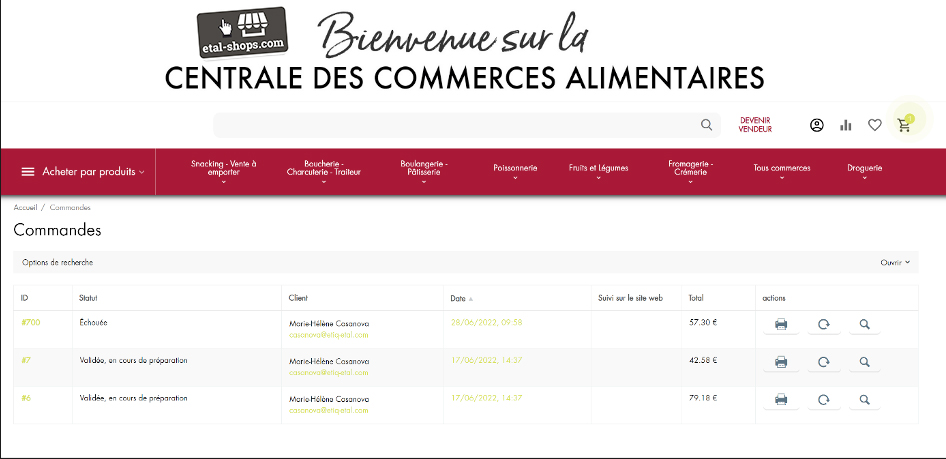
- Orders
- Comparison list
- messages
- Return request
- Wish list
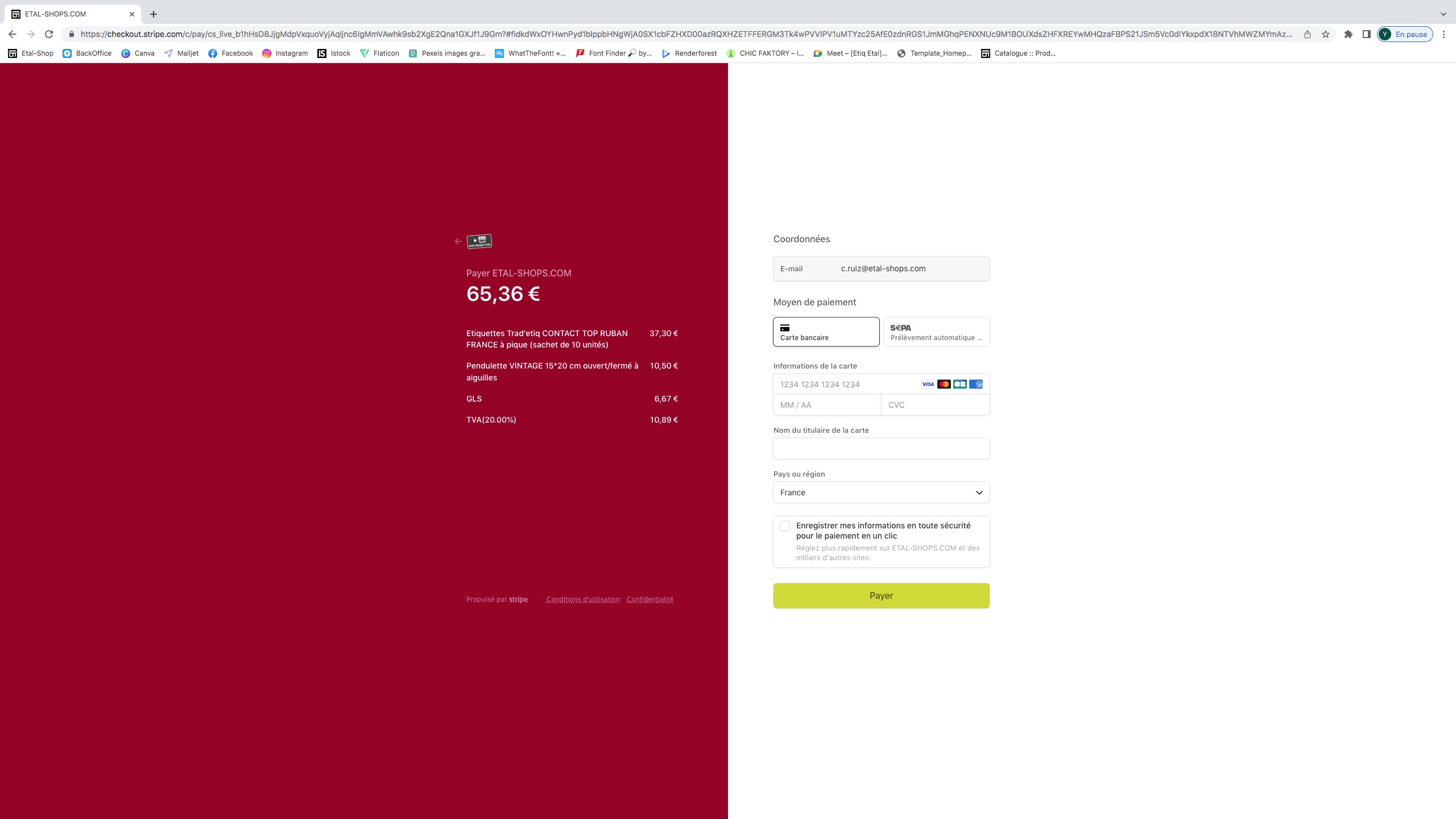
STEP 3 - Pay your order
Pay by credit card or bank transfer.
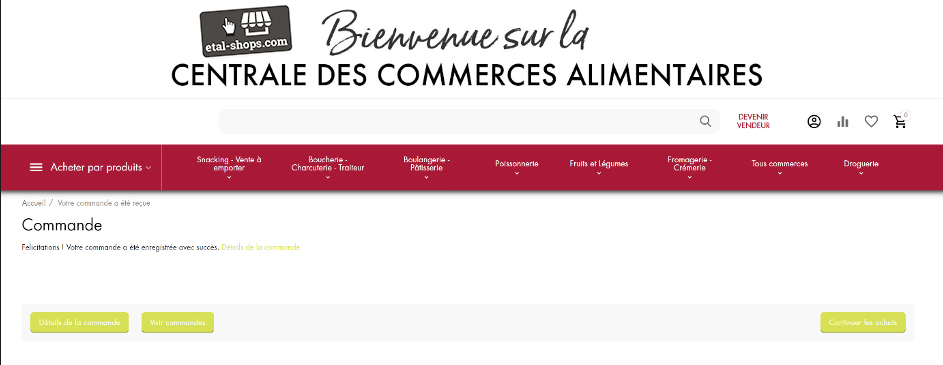
STEP 4 - You will receive an email confirming your order.
STEP 5 - Track your order in your customer account/my purchases/orders